About this project
The linked repository provides a README. The game identity and technical classification of this automatically collected listing have not yet been reviewed.
Source: GitHub README (automatic) ↗ · Checked Oct 13, 2026
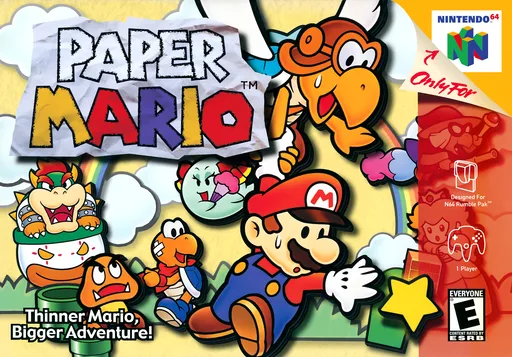
“PaperBoat Harbour Masters port of Paper Mario 64 Developers: Bass3l JeodC KiritoDv Caladius Website & Discord Official Website: https://www.harbourmasters.org/ Official Discord: https://discord.gg/harbourmasters If you're having any trouble after reading through this README, feel free ask for help in the PaperBoat text channels. Please keep in mind that we do not condone piracy. Quick Start PaperBoat does not include any copyrighted assets. You are required to provide a supported copy of the game. 1. Verify your ROM dump US SHA1 Hash: 3837f44cda784b466c9a2d99df70d77c322b97a0 You can verify you have dumped a supported copy of the game by using the compatibility checker at https://paperboat.equipment/. 2. Download PaperBoat from Releases 3. Launch the Game! Windows Extract the zip Launch paperboat.exe Linux Place your supported copy of the game in the same folder as the appimage. Execute paperboat.appimage. You may have to chmod +x the appimage via terminal. macOS Run paperboat.app. When”
Compatibility
Not documented in the available sources.
Documented support and independently tested compatibility are different. AllRecomps has not run these games.
Development progress
The latest non-prerelease GitHub release observed is 1.0.3. A release does not establish stability, complete gameplay or tested platform support.
Source: GitHub latest release (automatic) ↗ · Checked Oct 13, 2026
Known limitations
Not documented in the available sources.
Getting started
Read the repository README for setup instructions, dependencies and any original game files it requires. These instructions have not been independently tested.
Source: GitHub README (automatic) ↗ · Checked Oct 13, 2026
Some projects require files from your own copy of the original game. Follow the official instructions.