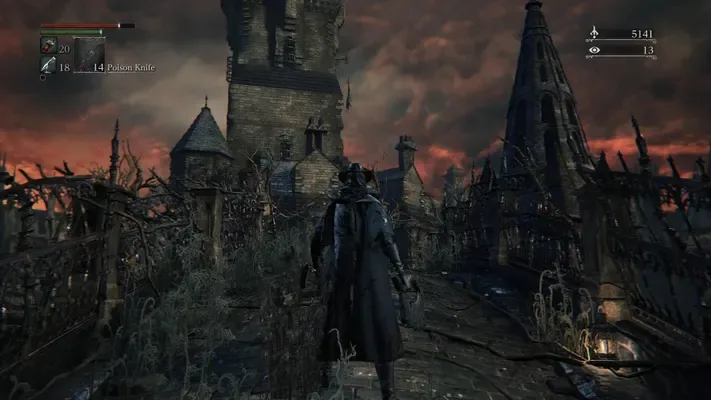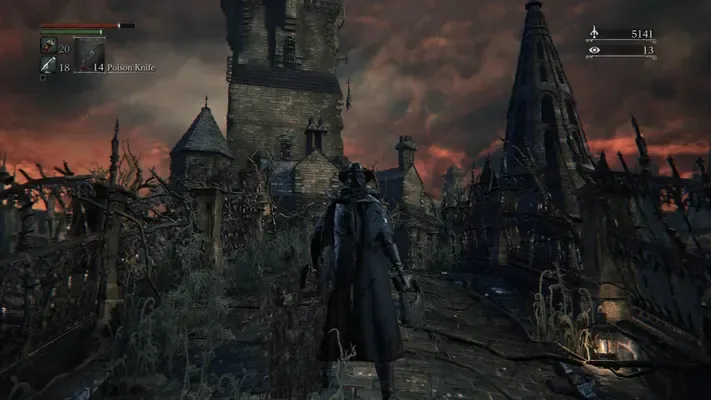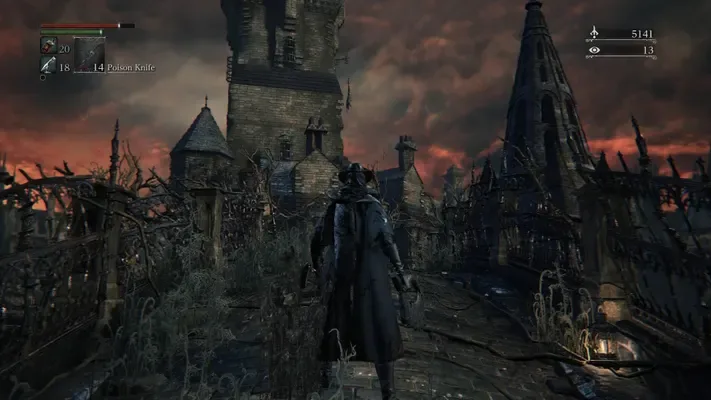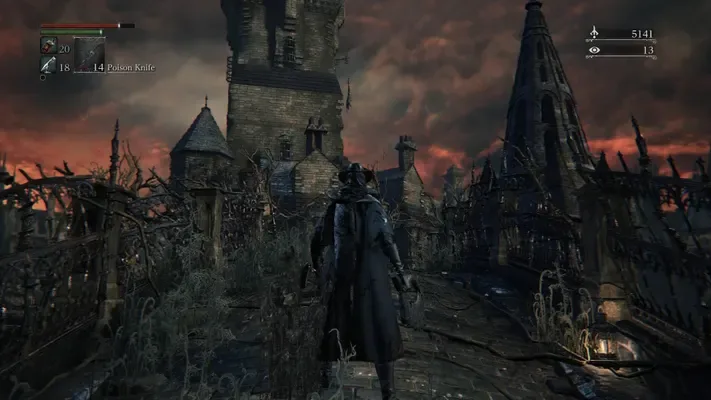
About this project
The engine derives from DarkIzuku/bloodborne_pc, bbport and shadPS4. It runs the game’s own PS4 code with a game-specific runtime; it is cataloged as a compatibility layer.
Source: Official project README — editorial review ↗ · Checked Oct 14, 2026
Compatibility
The documented package targets Windows 64-bit. The README describes a decrypted Bloodborne dump with update 1.09, including CUSA03173; other regions are mentioned without a complete tested matrix.
Source: Official project README — editorial review ↗ · Checked Oct 14, 2026
Documented support and independently tested compatibility are different. AllRecomps has not run these games.
Development progress
The documented launcher includes per-player save profiles, automatic backups, input remapping and stable/beta update channels. These features do not establish complete-game or multiplayer compatibility.
Source: Official project README — editorial review ↗ · Checked Oct 14, 2026
The official latest release endpoint returned v0.9.27 when checked. Availability of this package does not certify a stable build or complete playthrough.
Source: Official GitHub release — editorial review ↗ · Checked Oct 14, 2026
The latest non-prerelease GitHub release observed is v0.9.31. A release does not establish stability, complete gameplay or tested platform support.
Source: GitHub latest release (automatic) ↗ · Checked Oct 15, 2026
Known limitations
Experimental graphics switches and high-frame-rate patches have build-specific behavior. The README records fixes for VRAM exhaustion, crashes and frame-rate-dependent physics; no universal performance or stability claim is made here.
Source: Official project README — editorial review ↗ · Checked Oct 14, 2026
Getting started
Extract BloodbornePC-<version>-win64.zip from the official releases, open Bloodborne Launcher.exe and select your own folder containing eboot.bin. Choose Play after the launcher validates it.
Source: Official project README — editorial review ↗ · Checked Oct 14, 2026
Back up your saves before imports or updates. The launcher documents importing saves from shadPS4 or another port, but this does not certify every source/version combination.
Source: Official project README — editorial review ↗ · Checked Oct 14, 2026
Some projects require files from your own copy of the original game. Follow the official instructions.