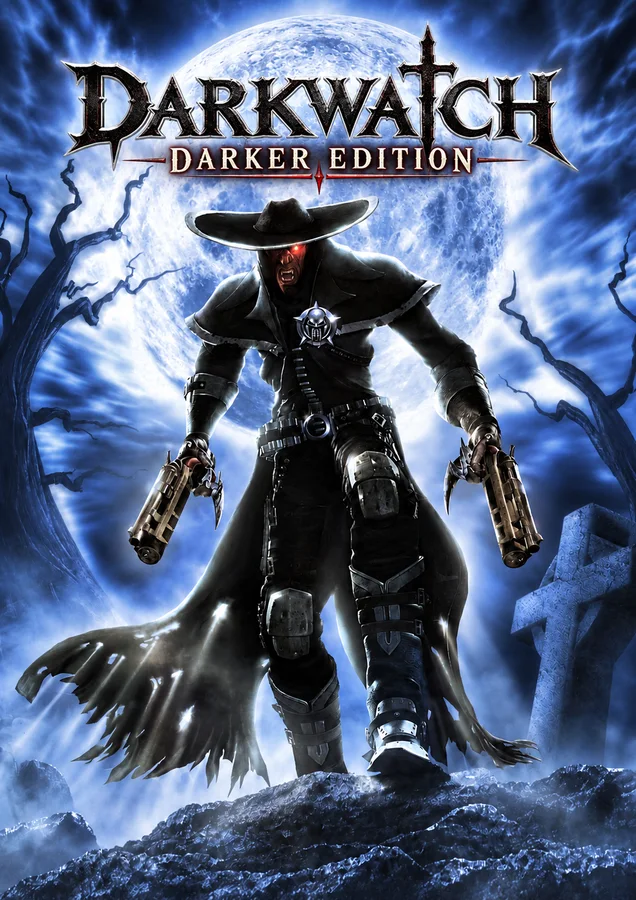
About this project
Darker Edition uses XboxXBERecomp for statically recompiled Xbox gameplay and a native Direct3D 12 renderer. The documented additions include mouse aiming, editable bindings, controller prompts and portable saves.
Source: Project README ↗ · Checked Oct 19, 2026
Compatibility
Requires Windows 10 version 1903+ or Windows 11 x64, .NET Framework 4.8, an x86-64-v2 CPU with SSE4.2/POPCNT and a Direct3D 12 GPU with feature level 11_0. Setup verifies 23 files from a supported North American Xbox revision; other revisions and the PS2 disc are not accepted.
Source: Project README ↗ · Checked Oct 19, 2026
Documented support and independently tested compatibility are different. AllRecomps has not run these games.
Development progress
Public GitHub release recorded: v0.3, published 2026-10-18 (São Paulo time). A public release does not certify stability or complete gameplay.
Source: GitHub release notes ↗ · Checked Oct 19, 2026
The latest non-prerelease GitHub release observed is v0.3. A release does not establish stability, complete gameplay or tested platform support.
Source: GitHub latest release (automatic) ↗ · Checked Oct 19, 2026
Known limitations
Version 0.3 is for community testing. Full-campaign completion, online play, clean Windows installations and physical PS4/Switch controllers remain unverified. High-FPS event differences and shader/loading pauses may remain; extreme weapon FOV can expose the ends of models.
Source: Project README ↗ · Checked Oct 19, 2026
Getting started
Extract the Windows x64 player ZIP into a writable folder, open Darkwatch Darker Edition.exe and import your supported original Xbox ISO/XISO. Wait for import and shader preparation, then Play. For upgrades, use a fresh folder, copy GameData and run Import / Repair; keep the old folder until saves are checked.
Source: Project README ↗ · Checked Oct 19, 2026
Some projects require files from your own copy of the original game. Follow the official instructions.