Multiplayer
Support in this project — multiplayer in the original game may differ.
Local
On the same device
Not confirmedLAN
Over a local network
Not confirmedOnline
Over the internet
Not confirmed“Documented support” means reported by the project. AllRecomps has not tested matches or servers. “Not confirmed” does not mean the feature does not work. Report a correction ↗
About this project
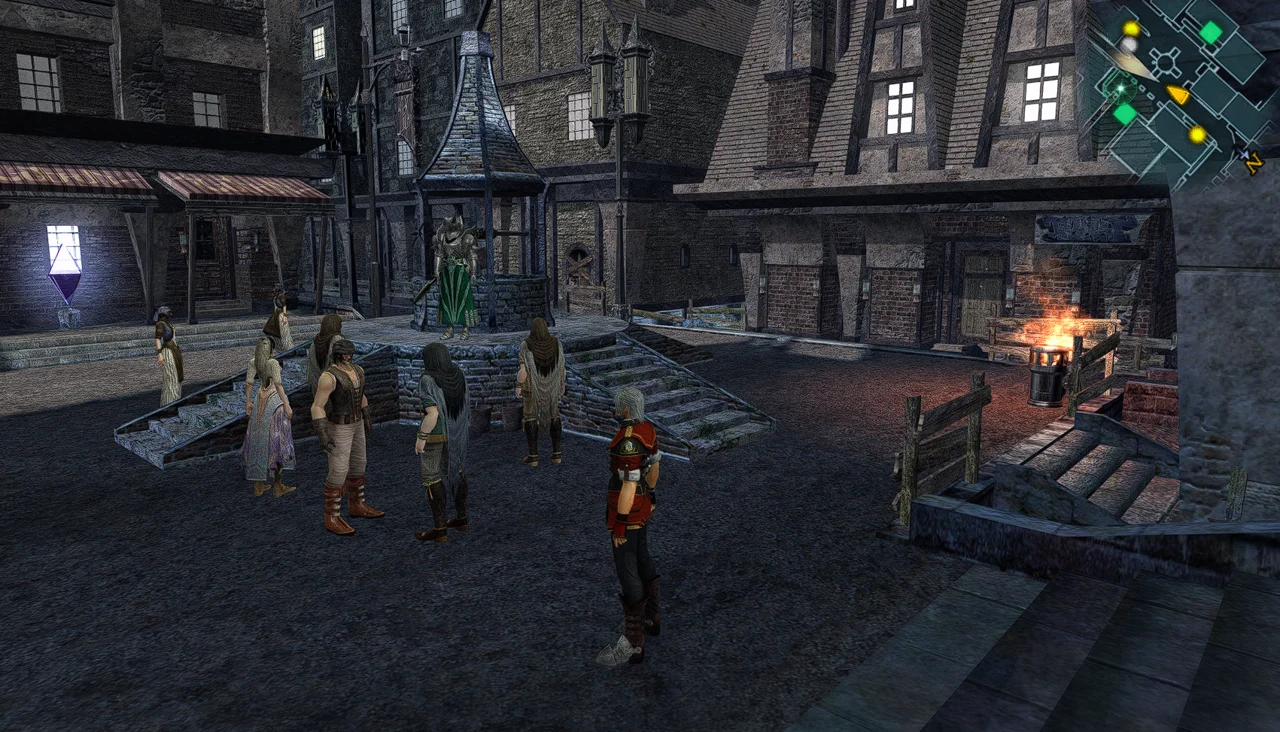
EnchantedArmsPC uses the ReXGlue runtime to build a PC version from the player’s own disc. Its launcher exposes resolution and sharpening options, controller/keyboard/mouse configuration, save management and updates. The release is a testing build.
Source: Official project README — editorial review ↗ · Checked Oct 23, 2026
Compatibility
The setup guide requires Windows 10/11 x64, .NET Framework 4.8, Visual C++ v14 x64 runtime, a Direct3D 12 GPU, around 20 GB beyond the ISO and first-setup internet. Supported USA/Europe executable: title 555307E6, media 41637F65, XEX 0.0.0.1.
Source: Official setup requirements ↗ · Checked Oct 23, 2026
Documented support and independently tested compatibility are different. AllRecomps has not run these games.
Development progress
Public pre-release v0.5.7 was published on 2026-10-23. Release availability is not a guarantee of complete gameplay or stability.
Source: Official release notes ↗ · Checked Oct 23, 2026
Version 0.5.7 forces VSync on and removes its launcher toggle while retaining 30/60 FPS choices and saves. The update from 0.5.6 does not require a game rebuild; close and reopen the game after updating.
Source: Official release notes ↗ · Checked Oct 23, 2026
Known limitations
Only early gameplay, menus and save/load have been documented; the full playthrough is still underway. The issue list records invisible cafeteria/festival NPCs and black patches on character models, with no confirmed fix. Do not treat selected graphics settings as a proven workaround.
Source: Official known issues ↗ · Checked Oct 23, 2026
Getting started
Extract EnchantedArmsPC-0.5.7-windows-x64.zip, open EnchantedArmsLauncher.exe, select the supported ISO and choose Build game, then Play Enchanted Arms. Setup downloads its own tools; separate Python/Visual Studio installation is not required for this route. Saves are in the game’s Saves folder.
Source: Official project README — editorial review ↗ · Checked Oct 23, 2026
Some projects require files from your own copy of the original game. Follow the official instructions.