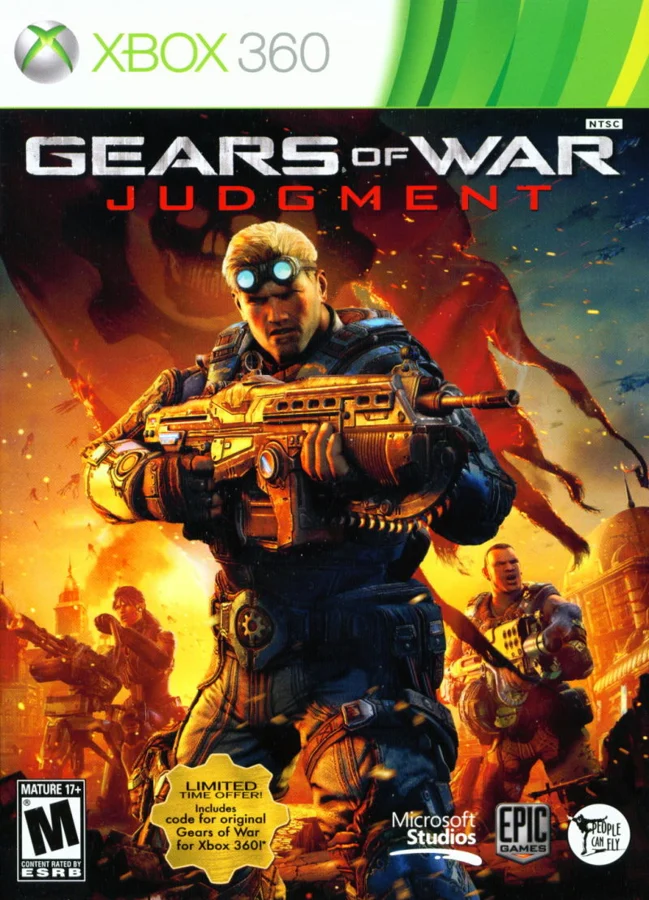
About this project
This ReXGlue project translates Judgment’s PowerPC code to x64/C++ and implements the console’s system and graphics layer on Windows. It adds mouse look, display settings and optional higher frame rates.
Source: Official project README — editorial review ↗ · Checked Oct 21, 2026
Compatibility
Use your own retail title 4D530A26 folder containing default.xex and GearGame. The guide lists Windows 10/11 x64, DirectX 12 and 8 GB RAM; game files are about 7 GB. Testing is concentrated on one Ryzen 5800X3D/RTX 5070 Ti PC.
Source: Official project README — editorial review ↗ · Checked Oct 21, 2026
Documented support and independently tested compatibility are different. AllRecomps has not run these games.
Development progress
The maintainer reports boot and early campaign play, not a finished full-campaign validation. Temporal DLSS/FSR features are not in this release.
Source: Official project README — editorial review ↗ · Checked Oct 21, 2026
The latest non-prerelease GitHub release observed is v0.2.1. A release does not establish stability, complete gameplay or tested platform support.
Source: GitHub latest release (automatic) ↗ · Checked Oct 21, 2026
Known limitations
This is an early single-player release; most campaign testing covers the beginning. Multiplayer and Xbox Live are unavailable. AMD/Intel/handheld GPUs are untested, first-use pipelines can hitch and 1440p is an experimental demanding option.
Source: Official project README — editorial review ↗ · Checked Oct 21, 2026
Getting started
Extract the official ZIP into a writable folder, keep Graphics Settings.exe beside GearsOfWarJudgment.exe and open the game to choose your data directory. Use the settings app or F4; preserve the local saves/settings and cache before updating.
Source: Official project README — editorial review ↗ · Checked Oct 21, 2026
Some projects require files from your own copy of the original game. Follow the official instructions.