Multiplayer
Support in this project — multiplayer in the original game may differ.
Local
On the same device
Not confirmedLAN
Over a local network
Not confirmedOnline
Over the internet
Not confirmed“Documented support” means reported by the project. AllRecomps has not tested matches or servers. “Not confirmed” does not mean the feature does not work. Report a correction ↗
About this project
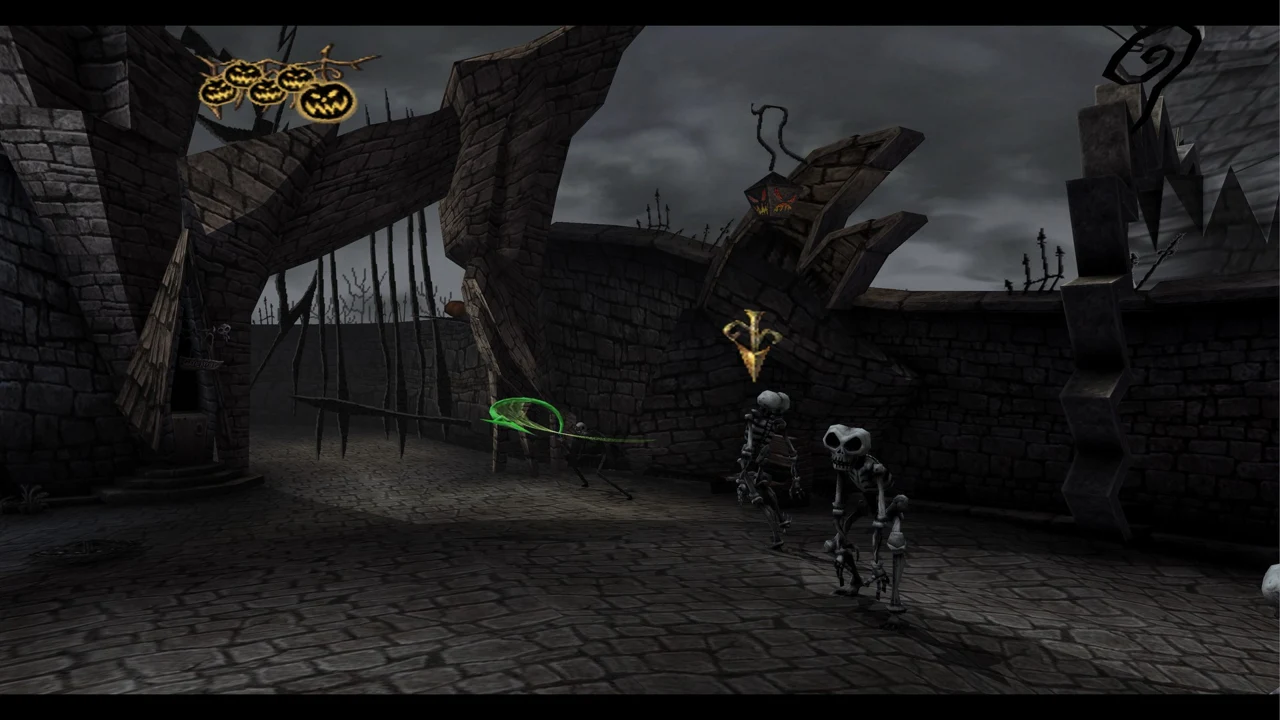
xboxrecomp translates the original x86 code to C++, with an Xbox runtime and Direct3D 11 renderer. The game’s menu doubles as a PC launcher for disc setup, display, controls and mods; F1 opens it over paused gameplay.
Source: Official project README — editorial review ↗ · Checked Oct 23, 2026
Compatibility
The documented target is Windows 10/11 x64 with the USA Xbox disc, title ID 42560004. Setup checks the USA default.xbe and accepts a Redump ISO, xiso or extracted folder. Source builds need Python 3 and the project’s downloaded toolchain.
Source: Official project README — editorial review ↗ · Checked Oct 23, 2026
Documented support and independently tested compatibility are different. AllRecomps has not run these games.
Development progress
Public release v1.0.1 was published on 2026-10-23. Release availability is not a guarantee of complete gameplay or stability.
Source: Official release notes ↗ · Checked Oct 23, 2026
The README documents the opening/Town Square, while the newer 1.0.1 notes report loading and briefly playing all 24 chapters. That broader spot check is attributed to the author and does not demonstrate a completed campaign.
Source: Official release notes ↗ · Checked Oct 23, 2026
The latest non-prerelease GitHub release observed is v1.0.1. A release does not establish stability, complete gameplay or tested platform support.
Source: GitHub latest release (automatic) ↗ · Checked Oct 23, 2026
Known limitations
120 FPS is frame interpolation while game logic remains at 60; the latest fix requires a 100 Hz-or-faster display for the extra frames. The ray-tracing option is screen-depth ambient occlusion, not a claim of hardware path tracing. Full-game stability and performance on other PCs remain unverified.
Source: Official project README — editorial review ↗ · Checked Oct 23, 2026
Getting started
Extract the project’s release ZIP and launch Oogie’s Revenge.exe. On first start choose your own supported disc image or extracted folder; the setup copies the required files locally. Preserve data and UserData saves/settings when updating; no game data comes with the project.
Source: Official project README — editorial review ↗ · Checked Oct 23, 2026
Some projects require files from your own copy of the original game. Follow the official instructions.