About this project
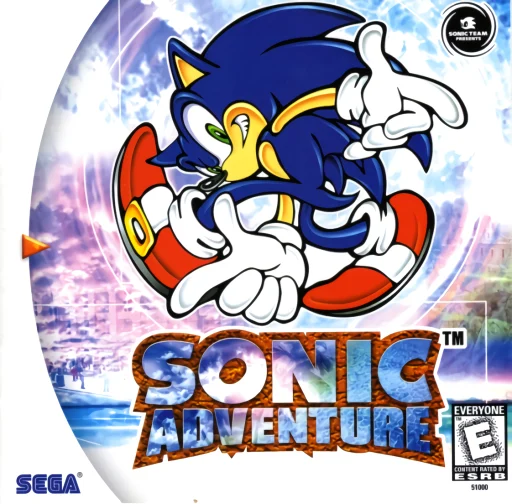
SARecomp uses KatanaRecomp for the Dreamcast version of Sonic Adventure. It provides a Windows installer and Linux/Steam Deck AppImage, with separate graphics paths and documented device caveats.
Source: Official project README — editorial review ↗ · Checked Oct 21, 2026
Compatibility
The input is your PAL v1.003 GDI and associated track files. Windows uses D3D11 or Vulkan 1.3; Linux requires x64, glibc 2.31+ and X11/XWayland. macOS and Android are future plans, not current supported platforms.
Source: Official project README — editorial review ↗ · Checked Oct 21, 2026
Documented support and independently tested compatibility are different. AllRecomps has not run these games.
Development progress
Windows installer and Linux AppImage instructions exist, while the README records slowed development and unresolved Linux issues.
Source: Official project README — editorial review ↗ · Checked Oct 21, 2026
The latest non-prerelease GitHub release observed is v0.52.1. A release does not establish stability, complete gameplay or tested platform support.
Source: GitHub latest release (automatic) ↗ · Checked Oct 21, 2026
Known limitations
Launching on the Steam Deck desktop can freeze the device. A Linux crash around the SEGA splash is under investigation and demanding areas do not sustain a universal frame rate. Development has slowed; published packages do not mean these issues are resolved.
Source: Official project README — editorial review ↗ · Checked Oct 21, 2026
Getting started
Use the official installer or AppImage and import the complete GDI dump. On Steam Deck, install in Desktop Mode but launch the game in Gaming Mode without forcing Proton, following the project’s Steam configuration instructions.
Source: Official project README — editorial review ↗ · Checked Oct 21, 2026
Some projects require files from your own copy of the original game. Follow the official instructions.