About this project
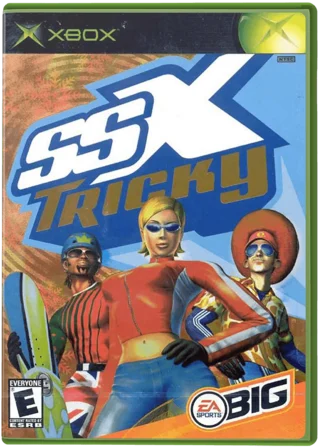
OpenTricky statically translates the Xbox game to C and adds a Windows launcher, modern controls and display settings. It remains an unstable release even though the maintainer reports start-to-finish play.
Source: Official project README — editorial review ↗ · Checked Oct 21, 2026
Compatibility
Supply your own USA original-Xbox ISO or XISO. Windows is the native target; Linux/Steam Deck reports use Wine/Proton. Native controller input is XInput, with Steam Input or other mapping needed for different controller APIs.
Source: Official project README — editorial review ↗ · Checked Oct 21, 2026
Documented support and independently tested compatibility are different. AllRecomps has not run these games.
Development progress
The maintainer reports end-to-end play but retains an explicit unstable warning and a known-issues list. Those reports are not an AllRecomps executable test.
Source: Official project README — editorial review ↗ · Checked Oct 21, 2026
Known limitations
Above 60 FPS input can answer one simulation step late; use 60 for original timing. Surround output has not been tested on physical 5.1 speakers. Proton Experimental can perform differently from the documented Proton 10 route.
Source: Official project README — editorial review ↗ · Checked Oct 21, 2026
Getting started
Use the official install/play instructions and select your disc in OpenTricky.exe. For a source build, install the documented MSYS2 UCRT64 tools and run build.bat with your image; the resulting launcher is under dist/OpenTricky.
Source: Official project README — editorial review ↗ · Checked Oct 21, 2026
Some projects require files from your own copy of the original game. Follow the official instructions.