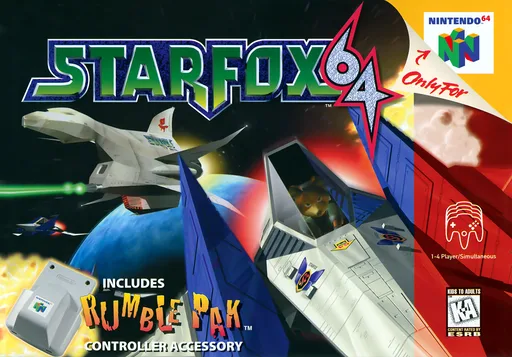
About this project
Starship is HarbourMasters’ Star Fox 64 port with a documented Nintendo Switch package and platform-specific asset preparation. It uses the user’s supported game data; the release does not include the original assets.
Source: Project README — Switch review ↗ · Checked Oct 20, 2026
Compatibility
Supported base ROMs are USA 1.0 and USA 1.1 Rev A in .z64 format. The README lists their SHA-1 hashes. Japanese and European ROMs are not supported as the base for O2R generation.
Source: Project README — Switch review ↗ · Checked Oct 20, 2026
Documented support and independently tested compatibility are different. AllRecomps has not run these games.
Development progress
Official release observed: v2.0.0. This records a public project release, not proof of complete gameplay or a ready-to-run Switch game package.
Source: Official GitHub release ↗ · Checked Oct 20, 2026
The official v2.0.0 release includes a Switch ZIP alongside desktop packages. Voice replacement and custom assets are documented, but published packages do not independently verify a complete playthrough on the user’s setup.
Source: Project README — Switch review ↗ · Checked Oct 20, 2026
The latest non-prerelease GitHub release observed is v2.0.0. A release does not establish stability, complete gameplay or tested platform support.
Source: GitHub latest release (automatic) ↗ · Checked Oct 21, 2026
Known limitations
Voice replacement from EU/JP data must be combined with a supported US base; only one replacement is used at a time. Asset preparation on a computer is a prerequisite for the documented Switch path.
Source: Project README — Switch review ↗ · Checked Oct 20, 2026
Getting started
Use a desktop release and your supported ROM to generate sf64.o2r first. Then use the official Switch package and copy the generated data as directed by the maintainer.
Source: Project README — Switch review ↗ · Checked Oct 20, 2026
Keep a backup of your generated asset file and existing saves/settings when replacing a release. Asset generation requires your own ROM; AllRecomps does not host it or the generated game data.
Source: Project README — Switch review ↗ · Checked Oct 20, 2026
Some projects require files from your own copy of the original game. Follow the official instructions.