About this project
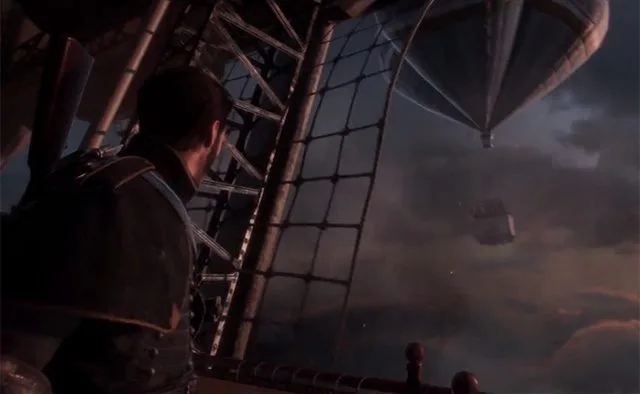
The original x86-64 game code executes directly; a dedicated runtime replaces PS4 libraries and the shadPS4 video core translates GPU commands and shaders to Vulkan. This listing uses the game-specific compatibility-layer category.
Source: Project README ↗ · Checked Oct 17, 2026
Compatibility
The documentation requires Windows 10 1903+ or Windows 11 x64, an AVX-capable CPU and Vulkan 1.3 graphics drivers. The documented base is CUSA00035 version 01.02.
Source: Project README ↗ · Checked Oct 17, 2026
Documented support and independently tested compatibility are different. AllRecomps has not run these games.
Development progress
Public GitHub release recorded at this review: windows-v0.3.9, published 2026-10-17 (São Paulo time). A release does not establish stability, complete gameplay or tested compatibility.
Source: GitHub release notes ↗ · Checked Oct 17, 2026
The latest non-prerelease GitHub release observed is windows-v0.3.9. A release does not establish stability, complete gameplay or tested platform support.
Source: GitHub latest release (automatic) ↗ · Checked Oct 17, 2026
Known limitations
The latest release notes do not confirm most of the campaign after the first chapter, audio, AMD/Intel GPUs or other game versions. The experimental 60 FPS mode remains limited in heavy scenes; occasional black triangles are under investigation.
Source: GitHub release notes ↗ · Checked Oct 17, 2026
Getting started
Follow the release instructions: extract the Windows package, open The Order 1886.exe and select your own game folder containing eboot.bin, sce_module and sce_sys.
Source: GitHub release notes ↗ · Checked Oct 17, 2026
Some projects require files from your own copy of the original game. Follow the official instructions.