Multiplayer
Support in this project — multiplayer in the original game may differ.
Local
On the same device
Not confirmedLAN
Over a local network
Not confirmedOnline
Over the internet
Not confirmed“Documented support” means reported by the project. AllRecomps has not tested matches or servers. “Not confirmed” does not mean the feature does not work. Report a correction ↗
About this project
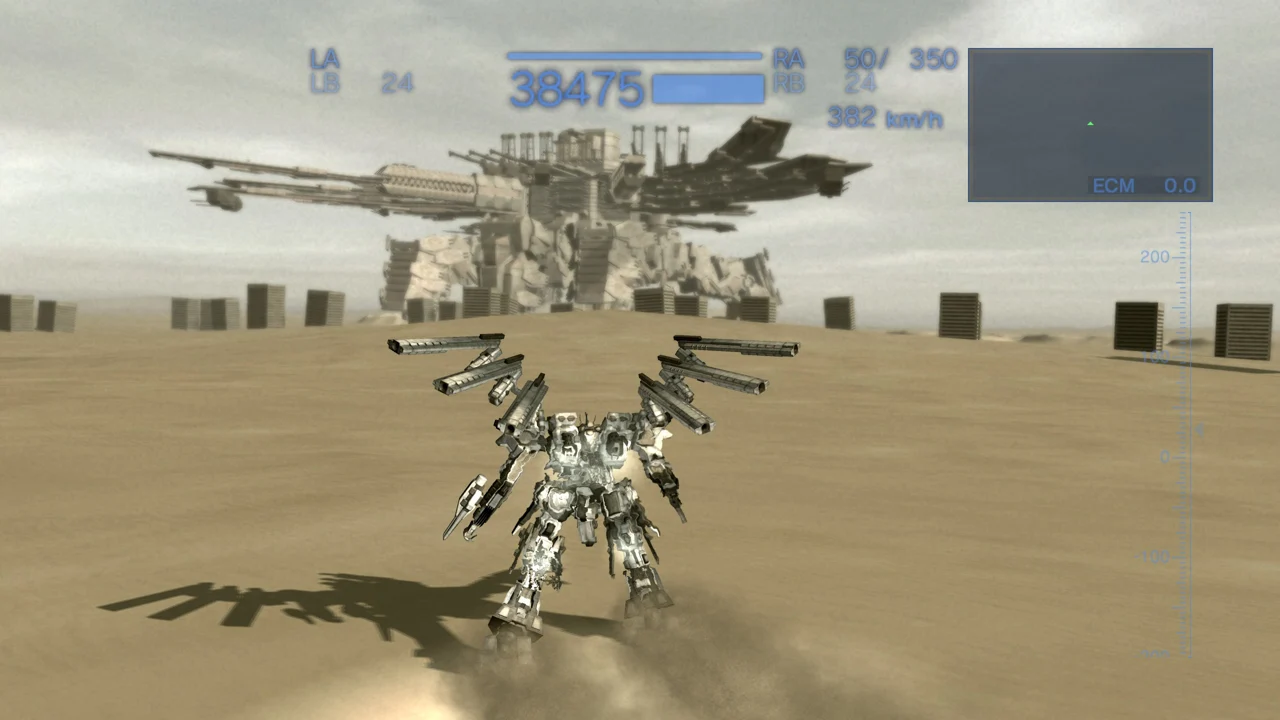
The project translates the game’s PowerPC code and SPU programs ahead of time, with a fallback SPU interpreter. RSX graphics become Direct3D 11; the shared Project Glintburn runtime replaces system services while some complex firmware routines come from the player’s own files.
Source: Official project README — editorial review ↗ · Checked Oct 23, 2026
Documented PC options include resolution, 50–200% render scale, frame-rate caps, raw-mouse camera input, remappable keys and PC SETTINGS inside the original SYSTEM menu. Higher FPS reports belong to the maintainer, not a site benchmark.
Source: Official project README — editorial review ↗ · Checked Oct 23, 2026
Compatibility
Release 0.7.2 requires Windows 10 1903+/11 x64, AVX2, Direct3D 11, your own USA BLUS30187 disc version 01.01, RPCS3 and Sony PS3 firmware 4.93. Update 01.35 is optional; around 4 GB free and internet are needed for local setup.
Source: Official release notes ↗ · Checked Oct 23, 2026
Documented support and independently tested compatibility are different. AllRecomps has not run these games.
Development progress
Public release v0.7.2 was published on 2026-10-18. Release availability is not a guarantee of complete gameplay or stability.
Source: Official release notes ↗ · Checked Oct 23, 2026
The latest non-prerelease GitHub release observed is v0.7.2. A release does not establish stability, complete gameplay or tested platform support.
Source: GitHub latest release (automatic) ↗ · Checked Oct 23, 2026
Known limitations
PlayStation-controller vibration is not implemented. Only US saves are discovered; imported PS3 saves need decryption and the port’s saves do not work back on PS3. Published performance samples do not establish a full campaign or hardware compatibility matrix.
Source: Official project README — editorial review ↗ · Checked Oct 23, 2026
Getting started
Extract ACFA-Port, start ACFA-Launcher.exe and select the folder containing PS3_GAME. Prepare files uses your RPCS3 and PS3UPDAT.PUP once; alternatively point to files already decrypted by you. Set up downloads tools and builds the program, then PLAY starts it. Game/firmware data are not provided.
Source: Official project README — editorial review ↗ · Checked Oct 23, 2026
Some projects require files from your own copy of the original game. Follow the official instructions.