About this project
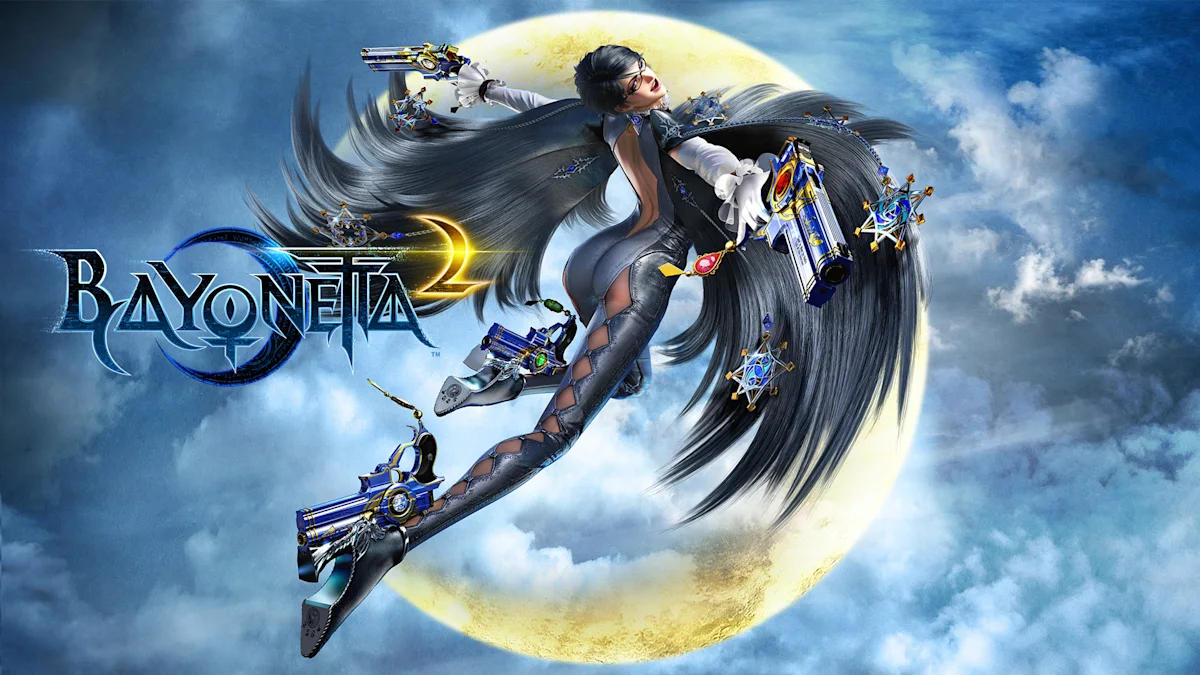
The project translates Switch AArch64 code to C and compiles it locally. A dedicated runtime reimplements system services and translates NVN graphics to Vulkan; the download is a builder, not a prebuilt game.
Source: Project README ↗ · Checked Oct 19, 2026
Compatibility
The documented Windows requirements are Windows 10/11 x64, a Vulkan 1.3 GPU and your own decrypted ExeFS/RomFS with game 1.2 (v131072) applied. The separate Linux builder is experimental. Encrypted NSP/XCI/NCA packages are rejected; the tool does not decrypt files or read keys.
Source: Project README ↗ · Checked Oct 19, 2026
Linux Test 3 is a prerelease with limited CachyOS/Arch-based testing. Its notes report a release-tag issue, and the latest cinematic fix has not yet been visually verified on Linux. Other distributions remain untested.
Source: Linux test release notes ↗ · Checked Oct 19, 2026
Documented support and independently tested compatibility are different. AllRecomps has not run these games.
Development progress
Public GitHub release recorded: v0.2.5, published 2026-10-19 (São Paulo time). A public release does not certify stability or complete gameplay.
Source: GitHub release notes ↗ · Checked Oct 19, 2026
Windows v0.2.5 addresses cinematic lip-sync above 60 FPS; the notes describe tests on an NVIDIA GPU and early gameplay, not full-game validation.
Source: GitHub release notes ↗ · Checked Oct 19, 2026
The latest non-prerelease GitHub release observed is v0.2.5. A release does not establish stability, complete gameplay or tested platform support.
Source: GitHub latest release (automatic) ↗ · Checked Oct 19, 2026
Known limitations
Later chapters are still being tested. New shaders can cause hitches, and the frame-rate setting above 60 is beta: effects and menus may run faster. Developer performance observations do not establish complete-game compatibility or results on every PC.
Source: Project README ↗ · Checked Oct 19, 2026
Getting started
Extract the Windows builder into its own folder, start B2recomp.exe, choose your compatible dump folder and select Build, then Play. Keep the dump folder in place. Upgrades require a new build; follow the release instructions to preserve saves and settings. Linux uses its separate builder instructions.
Source: Project README ↗ · Checked Oct 19, 2026
Some projects require files from your own copy of the original game. Follow the official instructions.