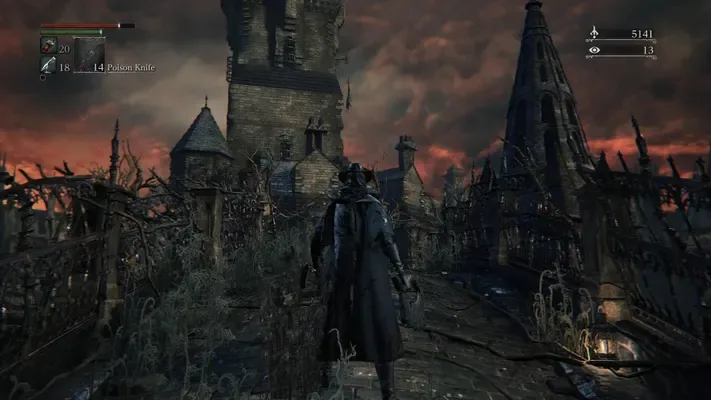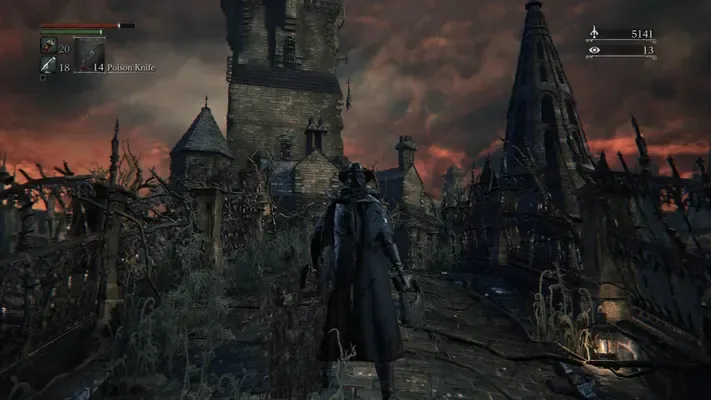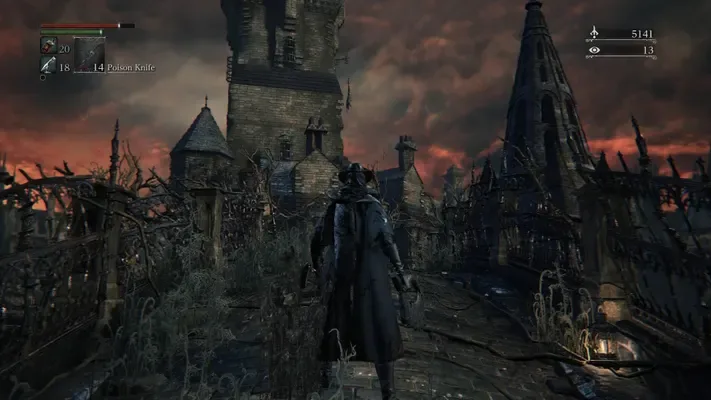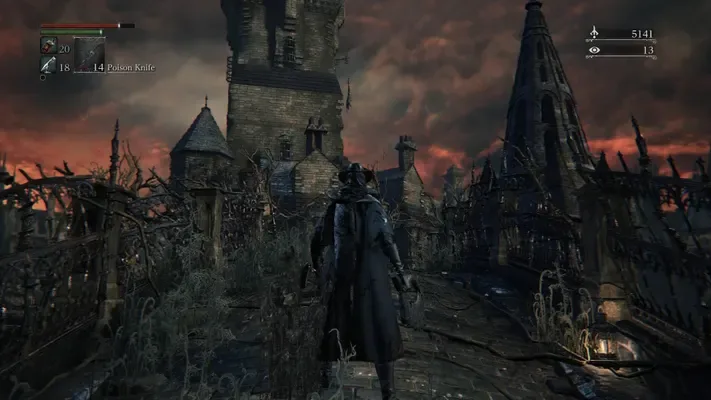
About this project
Runs the PS4 x86-64 executable through a replacement system/graphics layer rather than translating a different CPU. Supply your decrypted CUSA03173 dump; community patches require 1.09. AMD world-load crashes and beta online features remain documented.
Source: Official primary documentation — editorial review ↗ · Checked Oct 21, 2026
Compatibility
Documented targets for this variant: Windows. These entries include experimental or source-build routes when explicitly stated above; read this project’s limitations before choosing a package.
Source: Official primary documentation — editorial review ↗ · Checked Oct 21, 2026
Primary documentation excerpt (translated where needed): “Windows 10 (1903 or later) or Windows 11, 64-bit An Intel Core 4th generation (Haswell, 2013) or newer, or an AMD Ryzen: the game uses instructions of the PS4's processor (AVX, BMI1, MOVBE, LZCNT). Intel …”
Source: Official primary documentation — editorial review ↗ · Checked Oct 21, 2026
Documented support and independently tested compatibility are different. AllRecomps has not run these games.
Development progress
The primary guide documents the implementation and preparation described above. AllRecomps has reviewed those sources, not executed the game; source-code coverage and a published package do not certify a full playthrough.
Source: Official primary documentation — editorial review ↗ · Checked Oct 21, 2026
The latest non-prerelease GitHub release observed is windows-v1.9.4. A release does not establish stability, complete gameplay or tested platform support.
Source: GitHub latest release (automatic) ↗ · Checked Oct 21, 2026
Known limitations
Primary documentation excerpt (translated where needed): “Some AMD graphics cards may still crash when the game world loads; please send `user\last_run.log` if yours does. Online play is new. Messages, bloodstains, ghosts and summons with the bells work on the default server; …”
Source: Official primary documentation — editorial review ↗ · Checked Oct 21, 2026
Getting started
Primary documentation excerpt (translated where needed): “Download the zip from Releases and unpack it anywhere. Start `Bloodborne.exe`. On **Game & effects**, choose your game folder (the one with `eboot.bin`). Press **PLAY**.”
Source: Official primary documentation — editorial review ↗ · Checked Oct 21, 2026
Some projects require files from your own copy of the original game. Follow the official instructions.