Multiplayer
Support in this project — multiplayer in the original game may differ.
Local
On the same device
Not confirmedLAN
Over a local network
Documented supportSystem Link on the same local network.
Online
Over the internet
Documented supportOnline (VPS) uses the project relay; depends on project infrastructure.
Project-documented System Link only; no AllRecomps multiplayer test or official-service guarantee. Reviewed version: v1.0.5.
“Documented support” means reported by the project. AllRecomps has not tested matches or servers. “Not confirmed” does not mean the feature does not work. Report a correction ↗
About this project
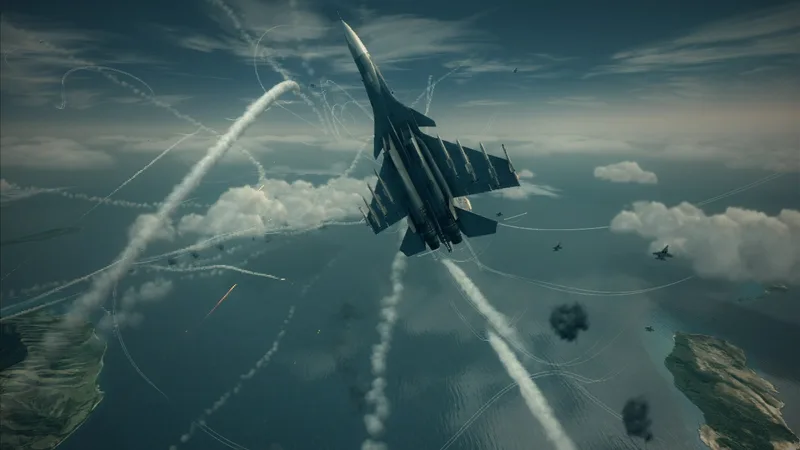
ReXGlue-based native PS5 adaptation, with DualSense feedback and PS5-style interface changes.
Source: Official documentation — editorial review ↗ · Checked Oct 25, 2026
Compatibility
Requires a PS5 homebrew environment and your own extracted Xbox 360 game, including default.xex and AICLASS_X360_F.xex.
Source: Official documentation — editorial review ↗ · Checked Oct 25, 2026
Documented support and independently tested compatibility are different. AllRecomps has not run these games.
Development progress
v1.0.5 documents adaptive triggers, rumble and server save backups. Menus target 60 FPS; matches remain 30 FPS. These are maintainer claims.
Source: Official documentation — editorial review ↗ · Checked Oct 25, 2026
The latest non-prerelease GitHub release observed is v1.0.5. A release does not establish stability, complete gameplay or tested platform support.
Source: GitHub latest release (automatic) ↗ · Checked Oct 25, 2026
Known limitations
Not a retail PS5 release. Supported firmware and full-campaign validation are not specified. Online (VPS), rankings and cloud saves depend on project services.
Source: Official documentation — editorial review ↗ · Checked Oct 25, 2026
Getting started
Install through RecompStore or copy PPSA95210 to /data/homebrew. Put all your game files in assets; keep default.xex lowercase.
Source: Official documentation — editorial review ↗ · Checked Oct 25, 2026
For a v1.0.4 upgrade, replace eboot.bin, shaders and textures as directed by the v1.0.5 notes. Preserve game files and saves.
Source: Official documentation — editorial review ↗ · Checked Oct 25, 2026
Some projects require files from your own copy of the original game. Follow the official instructions.