About this project
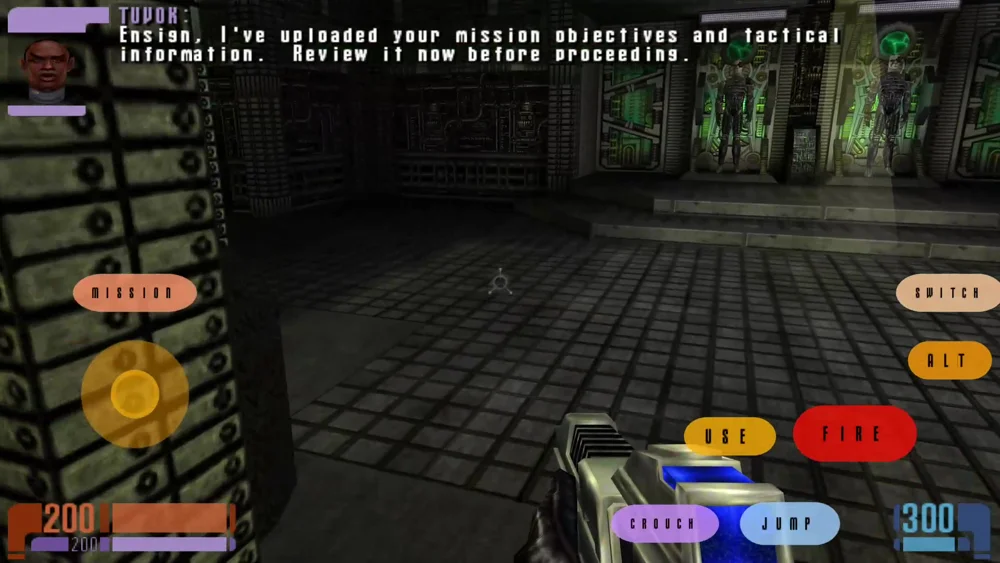
Elite Force single-player Android port imports four PK3 files plus efgamex86.dll. Saves can corrupt and retail PC saves are not compatible; completion percentage in README does not mean full playtesting.
Source: Official primary documentation — editorial review ↗ · Checked Oct 21, 2026
Compatibility
Documented targets for this variant: Android. These entries include experimental or source-build routes when explicitly stated above; read this project’s limitations before choosing a package.
Source: Official primary documentation — editorial review ↗ · Checked Oct 21, 2026
Primary documentation excerpt (translated where needed): “Android 7.0+ (API 24) with Vulkan support — the APK declares Vulkan as a required feature. An ARM device. The APK is universal (`armeabi-v7a` + `arm64-v8a`). Retail Elite Force data: `pak0.pk3` (~541 MB) plus the …”
Source: Official primary documentation — editorial review ↗ · Checked Oct 21, 2026
Documented support and independently tested compatibility are different. AllRecomps has not run these games.
Development progress
The primary guide documents the implementation and preparation described above. AllRecomps has reviewed those sources, not executed the game; source-code coverage and a published package do not certify a full playthrough.
Source: Official primary documentation — editorial review ↗ · Checked Oct 21, 2026
The latest non-prerelease GitHub release observed is v1.2.0. A release does not establish stability, complete gameplay or tested platform support.
Source: GitHub latest release (automatic) ↗ · Checked Oct 21, 2026
Known limitations
Primary documentation excerpt (translated where needed): “**Save corruption is technically possible and retail PC elite force saves or not compatible - but might be in the future** — back up your saves; loads may occasionally fail or restore an inconsistent state. …”
Source: Official primary documentation — editorial review ↗ · Checked Oct 21, 2026
Getting started
Primary documentation excerpt (translated where needed): “Copy your four `pak*.pk3` files and `efgamex86.dll` onto the phone (anywhere — Downloads is fine). Install the APK and launch it. When asked, pick the files. They are copied into the game's data directory and …”
Source: Official primary documentation — editorial review ↗ · Checked Oct 21, 2026
Some projects require files from your own copy of the original game. Follow the official instructions.