About this project
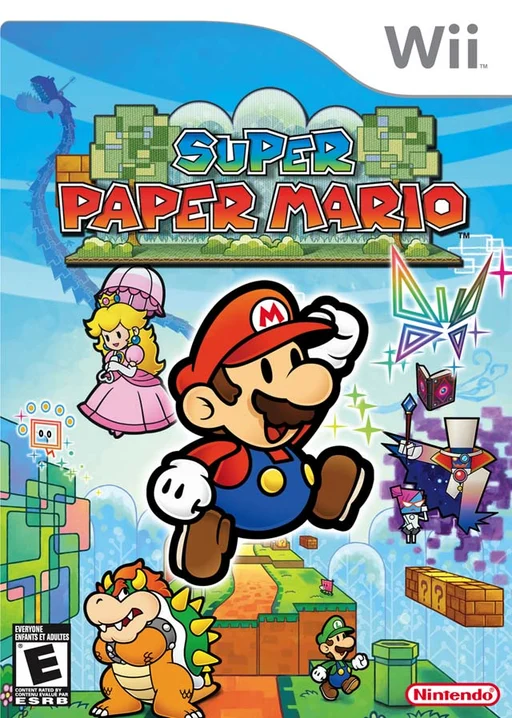
New Super Paper Bros translates Wii Super Paper Mario through WiiCompiled, with a disc-import launcher, remappable controls and a pointer on mouse/right stick. It is not New Super Mario Bros. Wii.
Source: Official project README — editorial review ↗ · Checked Oct 21, 2026
Compatibility
Use your USA R8PE01 revision 0 or Europe R8PP01 disc as ISO/CISO/WBFS. The guide documents Windows 10/11 x64 with D3D12/Vulkan and a separate recent x64 Linux package.
Source: Official project README — editorial review ↗ · Checked Oct 21, 2026
Documented support and independently tested compatibility are different. AllRecomps has not run these games.
Development progress
The primary guide documents widescreen, controller-specific prompts, mod folders and save import. Feature descriptions are not an independent complete-campaign test.
Source: Official project README — editorial review ↗ · Checked Oct 21, 2026
The latest non-prerelease GitHub release observed is v1.0.3. A release does not establish stability, complete gameplay or tested platform support.
Source: GitHub latest release (automatic) ↗ · Checked Oct 21, 2026
Known limitations
120 FPS interpolation is presentation, not proof of a doubled game simulation rate. HD textures/music and drop-in mods are separate community enhancements; test combinations individually and preserve saves before updates.
Source: Official project README — editorial review ↗ · Checked Oct 21, 2026
Getting started
Extract the official Windows ZIP or Linux tarball, open New Super Paper Bros and select your disc on Play. After the one-time Disc import, press PLAY. F10 opens settings, F11 changes fullscreen and the launcher can import supported Wii/Dolphin saves with backup.
Source: Official project README — editorial review ↗ · Checked Oct 21, 2026
Some projects require files from your own copy of the original game. Follow the official instructions.