About this project
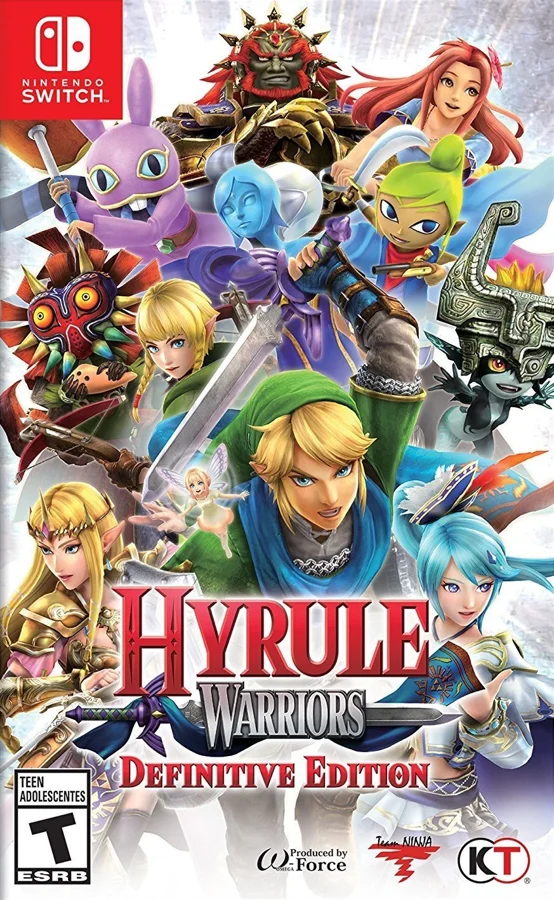
HWDER translates the Switch game’s ARM64 code to C ahead of time and supplies its own system/graphics/audio runtime on Windows. The local executable reads the player’s dump; no original assets are included.
Source: Official project README — editorial review ↗ · Checked Oct 21, 2026
Compatibility
Use your own base-game NSP, title 0100AE00096EA000, and your own console keys. Windows 10/11 x64, AVX2, Vulkan 1.2 and Media Foundation are documented; Windows N editions need the Media Feature Pack for movies.
Source: Official project README — editorial review ↗ · Checked Oct 21, 2026
Documented support and independently tested compatibility are different. AllRecomps has not run these games.
Development progress
The README reports boot, menus, movies, Adventure/Legend battles, saves and audio working. These are maintainer reports, not independent AllRecomps tests.
Source: Official project README — editorial review ↗ · Checked Oct 21, 2026
The latest non-prerelease GitHub release observed is v0.1.1. A release does not establish stability, complete gameplay or tested platform support.
Source: GitHub latest release (automatic) ↗ · Checked Oct 21, 2026
Known limitations
The source-build path can stop when it encounters an undiscovered code entry and requires regeneration. Native Switch timing can drop from 60 to 30 Hz where the game itself does. Reported battles are not proof that every mode/map is validated.
Source: Official project README — editorial review ↗ · Checked Oct 21, 2026
Getting started
Extract the official ZIP, place the supported NSP and local prod.keys beside hwder.exe as documented and run it. F1 opens options and F11 switches fullscreen. Back up save/ and hwdersettings.ini; never upload your keys with bug reports.
Source: Official project README — editorial review ↗ · Checked Oct 21, 2026
Some projects require files from your own copy of the original game. Follow the official instructions.