About this project
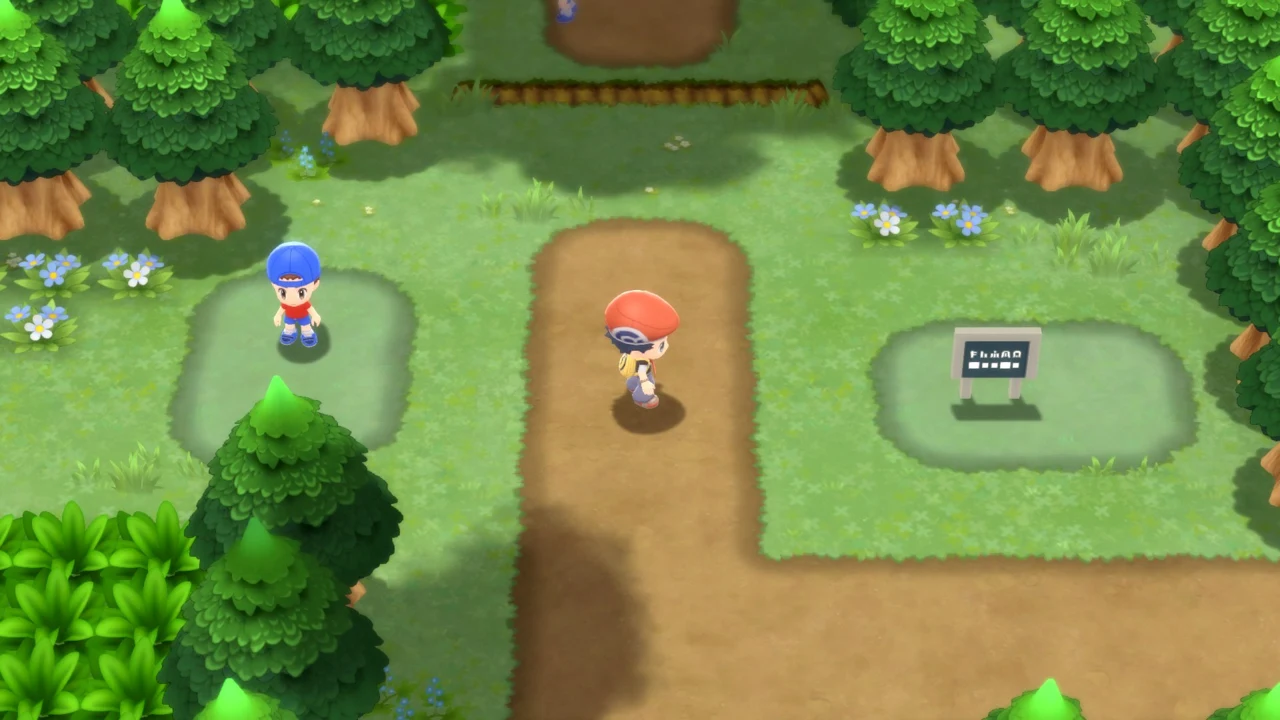
uDPR reconstructs Brilliant Diamond as a Unity project, with C# declarations recovered from IL2CPP metadata and method bodies restored from decompiled machine code. The standalone Windows build compiles that C# with IL2CPP and rebuilds asset bundles for Windows. This is not a byte-identical recovery of the original source or an emulator.
Source: Official project README — editorial review ↗ · Checked Oct 22, 2026
Compatibility
Requires Windows 10/11 x64 on SSD, Unity 2019.4.27f1, Wwise 2019.2.5.7349 with Windows SDK components, and your own Brilliant Diamond v1.3.0 dump with exefs/main and romfs/Data. Standalone builds additionally require Unity Windows Build Support (IL2CPP) and Visual Studio 2022 C++ tools.
Source: Official project README — editorial review ↗ · Checked Oct 22, 2026
The author recommends 32 GB RAM, about 60 GB free for setup and around 10 GB more to build the standalone game. Asset export can use about 21 GB RAM. A 16 GB path with a system-managed page file is described but has not been tested on an actual 16 GB PC.
Source: Official project README — editorial review ↗ · Checked Oct 22, 2026
Documented support and independently tested compatibility are different. AllRecomps has not run these games.
Development progress
The README labels the project beta and reports booting, playing and saving in both Unity editor and a standalone Windows build. No GitHub release was available in this review: the documented distribution path is to prepare the project and build from your own data, not download a finished game.
Source: Official project README — editorial review ↗ · Checked Oct 22, 2026
Known limitations
Large parts of the game have not been played through on PC. Only Brilliant Diamond v1.3.0 is supported; Shining Pearl and other versions are not. Linux/macOS porting possibilities are not existing validated targets. Fast-forward offers 2x–8x but achieved speed depends on frame throughput; contests, Poffin cooking and movies stay at normal speed.
Source: Official project README — editorial review ↗ · Checked Oct 22, 2026
Getting started
Download the reviewed repository source and run setup.cmd. Select your own extracted dump, provide the required Wwise integration through the official launcher and let setup export/rebuild assets. It downloads pinned tools and checks checksums. The author estimates about three hours on a high-end PC; rerunning resumes the work after a failure.
Source: Official project README — editorial review ↗ · Checked Oct 22, 2026
For editor play, open Assets/Scenes/level0.unity and press Play. For a standalone build, install IL2CPP/C++ build tools then use setup.cmd -Build; the executable is Builds/win64_<time>/Dpr.exe. Keep that build private because it contains your game assets. Saves and settings live under AppData/LocalLow/DefaultCompany/Dpr/.
Source: Official project README — editorial review ↗ · Checked Oct 22, 2026
Some projects require files from your own copy of the original game. Follow the official instructions.