About this project
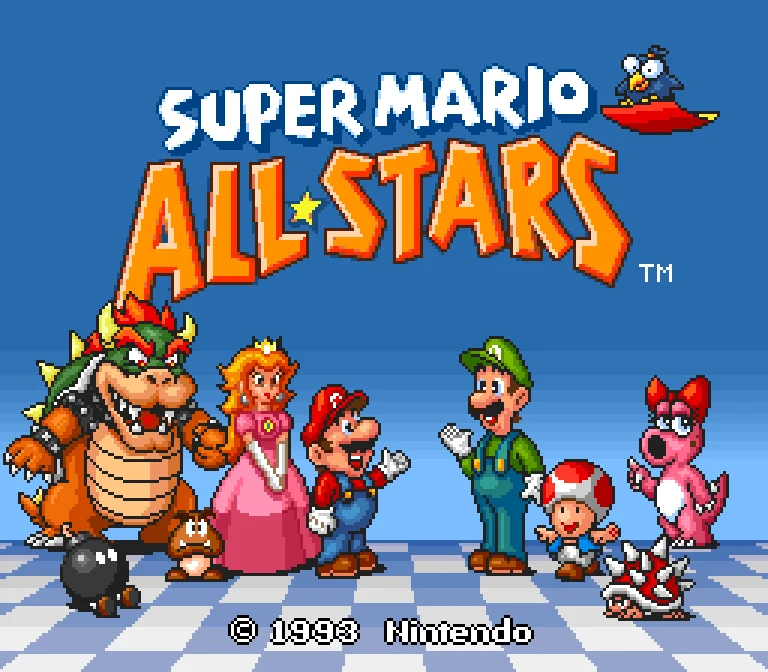
Built on snesrecomp and recomp-ui, this is a hybrid collection: Super Mario Bros. and The Lost Levels are mostly native-translated, while Super Mario Bros. 2 and 3 execute original code in an embedded interpreter. It is not four fully statically recompiled games.
Source: Official project README — editorial review ↗ · Checked Oct 21, 2026
Compatibility
The accepted .sfc is Super Mario All-Stars USA, 25th Anniversary re-release (2010), SHA-256 411c7036750fbc79d60b84602414dbe713074de8204d3c4a5ad762679c103c61. The ordinary 1993 USA cartridge is explicitly rejected.
Source: Official project README — editorial review ↗ · Checked Oct 21, 2026
Packages target 64-bit Windows/Linux, macOS 11+ on Intel or Apple Silicon, and Android 7+ on 64-bit devices. The README documents a desktop launcher and a separate Android touch/menu interface.
Source: Official project README — editorial review ↗ · Checked Oct 21, 2026
Documented support and independently tested compatibility are different. AllRecomps has not run these games.
Development progress
Release v0.2.0 includes Windows, Linux, Mac and Android downloads. Features include integer scaling, configurable input, save/load states, individual sound-voice mute and optional cheats. A public package does not prove every game or controller was independently tested.
Source: Official release notes ↗ · Checked Oct 21, 2026
The latest non-prerelease GitHub release observed is v0.2.0. A release does not establish stability, complete gameplay or tested platform support.
Source: GitHub latest release (automatic) ↗ · Checked Oct 21, 2026
Known limitations
Controller recognition through SDL databases is not a per-device validation guarantee. The collection’s interpretation/recompilation split and strict ROM revision are material compatibility limits; do not substitute another dump because the title is the same.
Source: Official project README — editorial review ↗ · Checked Oct 21, 2026
Getting started
Extract the desktop package and run SuperMarioAllStars, or install the official Android APK. Select your compatible .sfc when prompted and confirm ROM verified, then configure options and Play. No ROM is included.
Source: Official project README — editorial review ↗ · Checked Oct 21, 2026
Esc opens the desktop in-game menu; Android uses its menu button or Back gesture. Back up local settings and save states before replacing packages. User controller mappings can be supplied through gamecontrollerdb.txt in the documented settings folder.
Source: Official project README — editorial review ↗ · Checked Oct 21, 2026
Some projects require files from your own copy of the original game. Follow the official instructions.