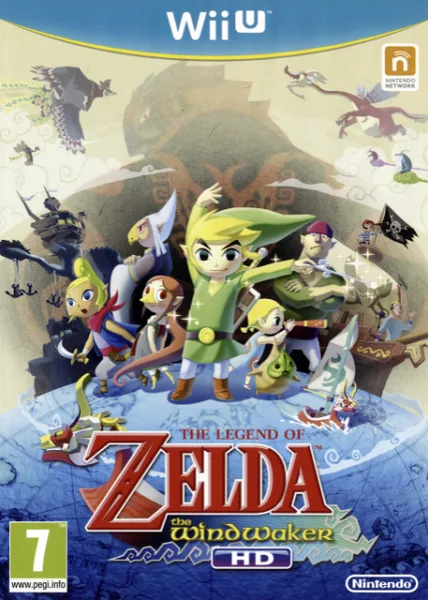
About this project
This Android adaptation recompiles Wii U Wind Waker HD for an ARM64 runtime, with local LLVM code generation and a disc-import workflow. It is separate from the Switch port and the GameCube game.
Source: Official project README — editorial review ↗ · Checked Oct 21, 2026
Compatibility
Use your own supported USA/Europe/Japan Wii U release. Android 11+, ARM64 and Vulkan 1.1 are documented, with roughly 2 GB storage and free RAM needed for compilation. Encrypted WUD/WUX inputs require your matching keys; WUA has its own route.
Source: Official project README — editorial review ↗ · Checked Oct 21, 2026
Documented support and independently tested compatibility are different. AllRecomps has not run these games.
Development progress
The Android project documents local LLVM generation and import of supported Wii U discs, with remaining renderer/device limitations.
Source: Official project README — editorial review ↗ · Checked Oct 21, 2026
The latest non-prerelease GitHub release observed is v0.9.5. A release does not establish stability, complete gameplay or tested platform support.
Source: GitHub latest release (automatic) ↗ · Checked Oct 21, 2026
Known limitations
Android 32-bit is unsupported. Renderer bugs and device-dependent performance remain; supplying a supported disc does not guarantee completion on every phone. Do not substitute GameCube or Switch assets for the required Wii U data.
Source: Official project README — editorial review ↗ · Checked Oct 21, 2026
Getting started
Install the official Android package and use its documented importer with your local disc/data and keys where required. Allow first-run code generation to finish before starting play. Retain your import and save backups when updating.
Source: Official project README — editorial review ↗ · Checked Oct 21, 2026
Some projects require files from your own copy of the original game. Follow the official instructions.