About this project
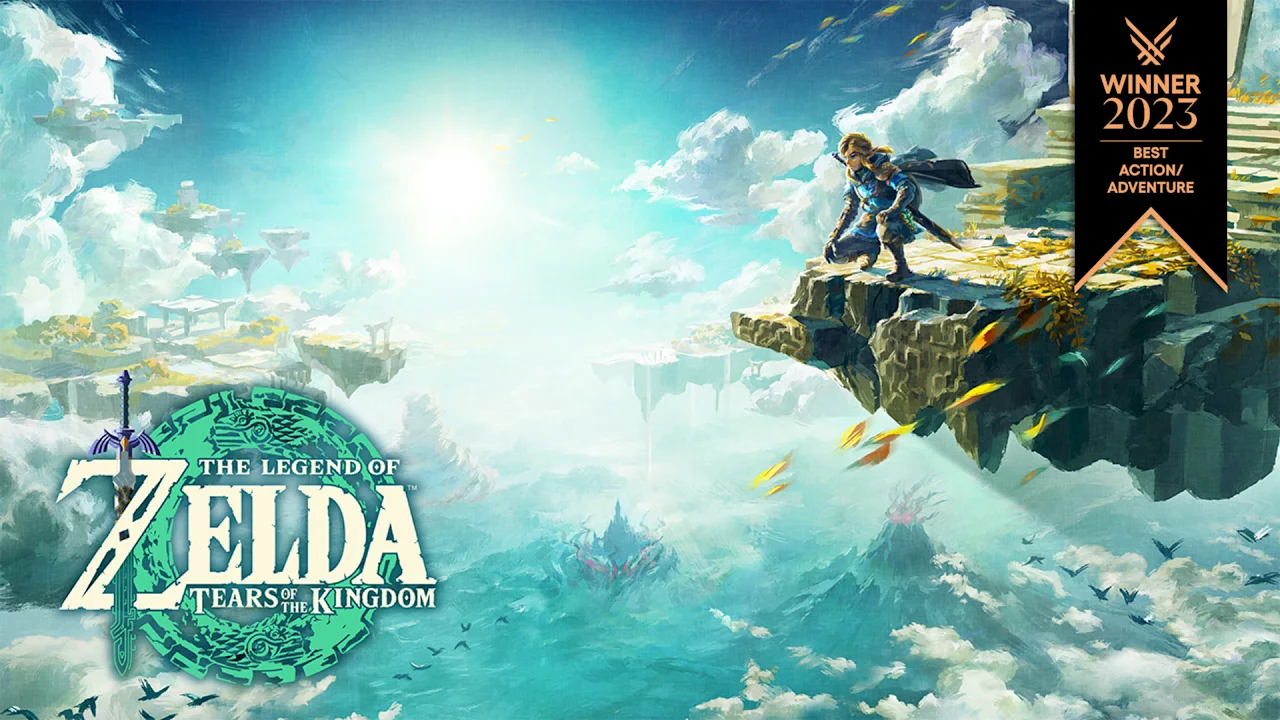
Savage Wind Recomp is an unofficial static recompilation of The Legend of Zelda: Breath of the Wild, based on LAS Recomp. It recompiles the Switch game code locally from the player’s own extracted files and reimplements the required console services; it supplies no game data, keys or firmware.
Source: Official README — editorial review ↗ · Checked Oct 22, 2026
The Alpha 2 documentation describes remappable keyboard/mouse controls, SDL gamepads, separate text and voice language choices, resolution settings up to 4K, FSR 1 and shader/pipeline caching. These are documented features, not an AllRecomps gameplay test.
Source: Official Alpha 2 release ↗ · Checked Oct 22, 2026
Compatibility
The downloadable Alpha 2 targets Windows 10 or newer, x86-64 with AVX2, a Vulkan 1.3 GPU and about 35 GB free disk space. It accepts only the Nintendo Switch version 1.8.2: ExeFS files main, main.npdm, rtld, sdk and subsdk0 plus the complete RomFS with the base game and update merged.
Source: Official Alpha 2 release ↗ · Checked Oct 22, 2026
Linux source-build instructions exist, but the current release notes say Windows only and the README says Linux has not been tested with this game. ARM Linux notes explicitly describe experimental builds without real-hardware gameplay validation. Linux is therefore not presented as a confirmed playable target here.
Source: Official Linux build notes (experimental for this game) ↗ · Checked Oct 22, 2026
Documented support and independently tested compatibility are different. AllRecomps has not run these games.
Development progress
Public release v0.2.0-alpha.2 was published on 2026-10-22. The maintainer reports the opening in the Shrine of Resurrection and the Great Plateau running with sound, voices, HUD, saving and loading. No playthrough beyond that area is documented.
Source: Official Alpha 2 release ↗ · Checked Oct 22, 2026
The README’s percentages are estimates for individual components, not overall game completion. A recompiler marked 100% does not establish full-game compatibility; the same table marks tested-in-game coverage at an estimated 10%. Neither figure is treated as an independently measured completion score.
Source: Official README — editorial review ↗ · Checked Oct 22, 2026
Known limitations
This is an alpha preview for testers. Areas beyond the Great Plateau may crash or render incorrectly. The maintainer reports drops to 45–50 FPS during real play and stutters on the first occurrence of an effect while its pipeline is created; 60 FPS is not a universal performance guarantee.
Source: Official Alpha 2 release ↗ · Checked Oct 22, 2026
Known issues include save-screen thumbnail glitches and a black pause-menu background after an in-game restart. DLC is not supported. FSR 3/frame generation, DLSS, VRR, mods and full shader precompilation are roadmap items, rather than existing Alpha 2 features.
Source: Official README — editorial review ↗ · Checked Oct 22, 2026
Getting started
Download the Windows Alpha 2 ZIP from the official Releases page and extract it into a writable folder outside Program Files. Run savagewind.exe, select your extracted exefs/ and romfs/ folder for version 1.8.2, then choose Set up game files. It checks and copies the data, builds the image and recompiles the code locally before starting.
Source: Official Alpha 2 release ↗ · Checked Oct 22, 2026
The author estimates first setup at about 40 minutes with a 12-thread CPU; actual time depends on the machine. Saves and settings stay in the writable app folder. On later runs savagewind.exe starts the game directly; Savage Wind Configuration.exe opens setup/configuration. When upgrading from Alpha 1, use a new folder, set up game files again and copy the save folder to retain progress.
Source: Official Alpha 2 release ↗ · Checked Oct 22, 2026
Some projects require files from your own copy of the original game. Follow the official instructions.