About this project
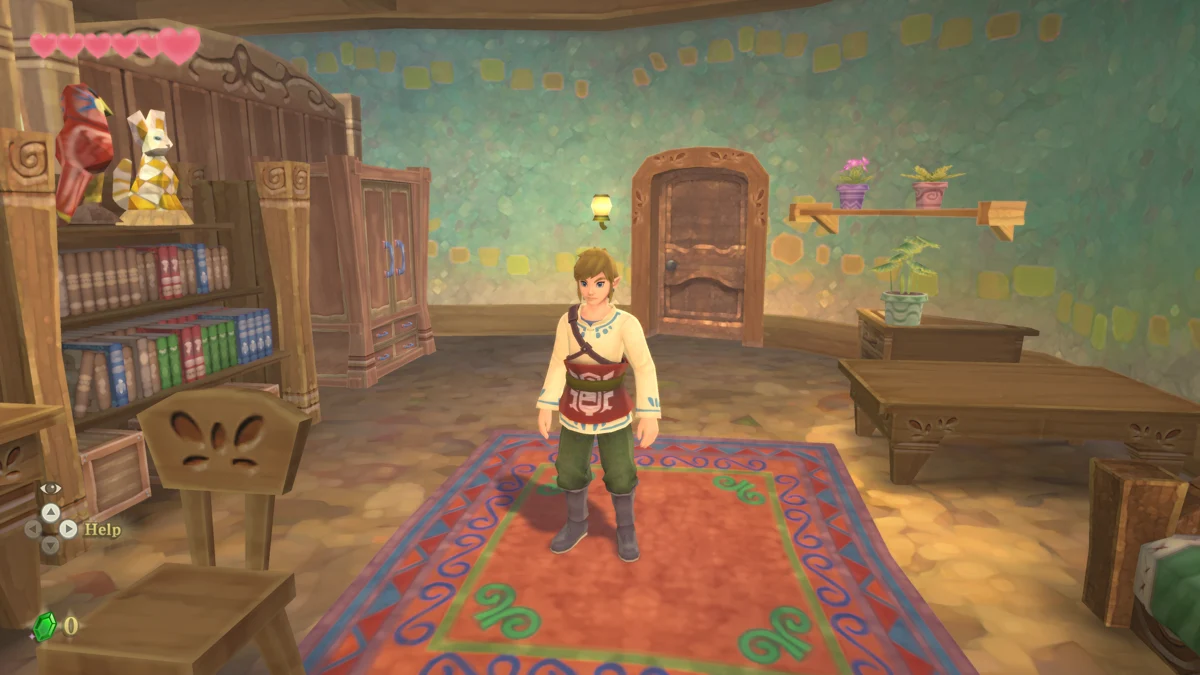
Sky Recomp adapts the LAS Recomp pipeline to Skyward Sword HD, with an AArch64-to-C translator and a native runtime implementing the console interfaces. Desktop rendering uses Vulkan on Windows/Linux and a documented Metal path on macOS.
Source: Official project README — editorial review ↗ · Checked Oct 21, 2026
Compatibility
The required input is your uncompressed Skyward Sword HD v1.0.0 data, without updates. The release setup asks for a game-files folder; the project does not distribute the original game assets.
Source: Official project README — editorial review ↗ · Checked Oct 21, 2026
The README specifies Windows 10/11 x64 or Linux with glibc 2.35+, Vulkan 1.3 and AVX2-class x64 hardware; macOS has separate requirements. Its 8 GB RAM and roughly 15 GB storage figures are maintainer estimates, not universal performance guarantees.
Source: Official project README — editorial review ↗ · Checked Oct 21, 2026
Documented support and independently tested compatibility are different. AllRecomps has not run these games.
Development progress
Release v1.0.5 publishes Windows, Linux and macOS packages and documents fixes for shadows, ultrawide rendering and selected crashes. Package availability does not independently verify an entire playthrough on every supported platform.
Source: Official release notes ↗ · Checked Oct 21, 2026
The latest non-prerelease GitHub release observed is v1.0.5. A release does not establish stability, complete gameplay or tested platform support.
Source: GitHub latest release (automatic) ↗ · Checked Oct 21, 2026
Known limitations
The 120 FPS option is experimental. The release notes say combat, flight and all cutscenes have not been fully checked and one turning animation followed a different path. Keep the default 60 FPS when diagnosing timing problems.
Source: Official release notes ↗ · Checked Oct 21, 2026
Getting started
Use the current official package for your operating system, extract or install it as documented, start Sky Recomp, choose Game files folder and run Set up game files before PLAY. Current release filenames take precedence over older AppImage examples in the README.
Source: Official release notes ↗ · Checked Oct 21, 2026
Back up saves before replacing a release and repeat setup if the updater requests it. Esc opens graphics, audio and display settings; the Mods tab rescans local mod folders and controls LayeredFS order. Compatibility of individual mods must be checked separately.
Source: Official project README — editorial review ↗ · Checked Oct 21, 2026
Some projects require files from your own copy of the original game. Follow the official instructions.